Problem
Ever sent the wrong CV version?
- Between first application and interview day, the CV you shared can quickly become outdated
- Old file, wrong version, confusion
- Hard to track which PDF you shared
Solution
One link keeps everything clear
- Your link stays the same
- One link, always updated content
- Stop sending PDFs again and again
How do recruiters view your resume?
Your link keeps the same professional preview across every channel.
INTERVIEW
When a recruiter clicks the link on your resume, they instantly see your latest CV.
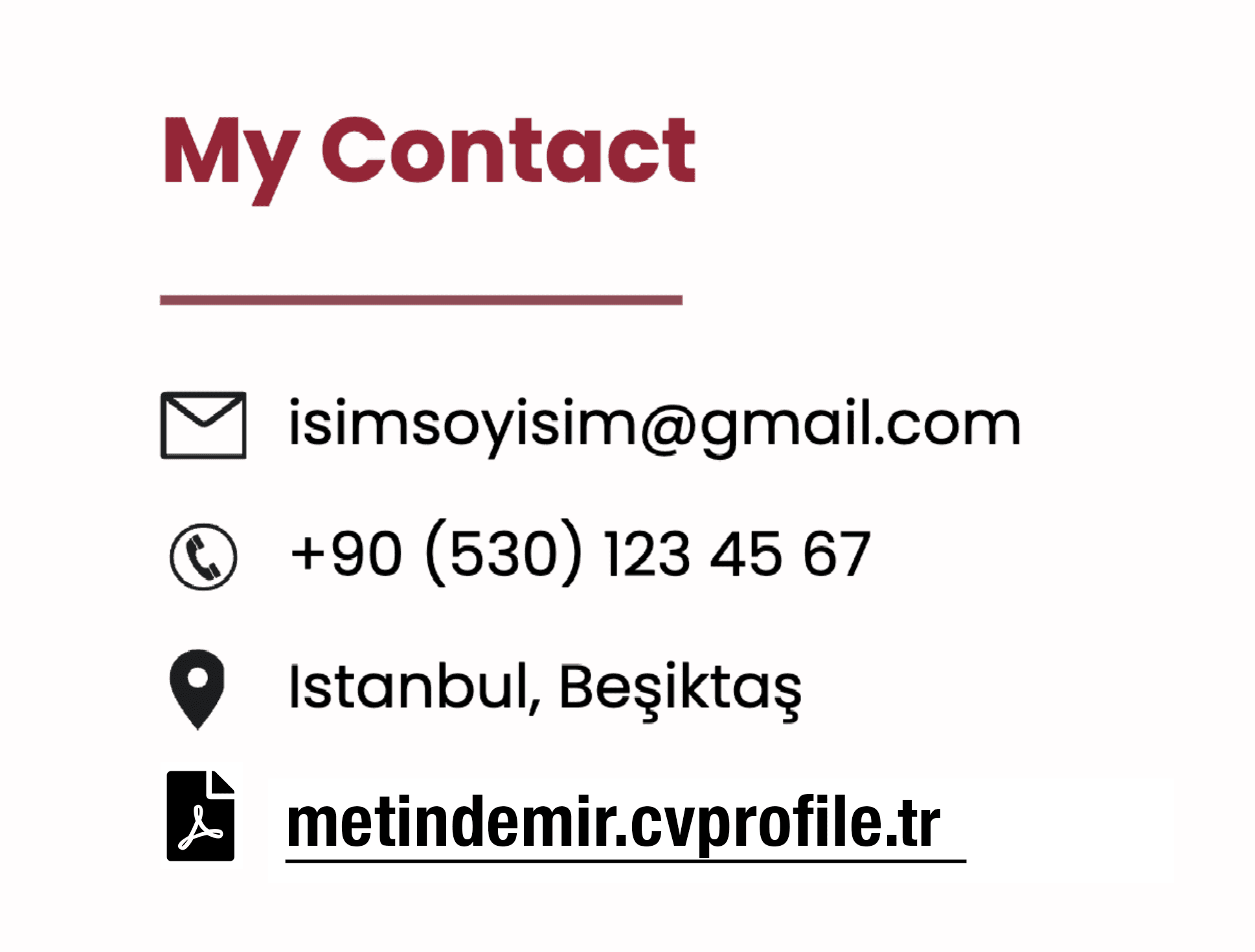
Share your CV link instantly in a direct message.
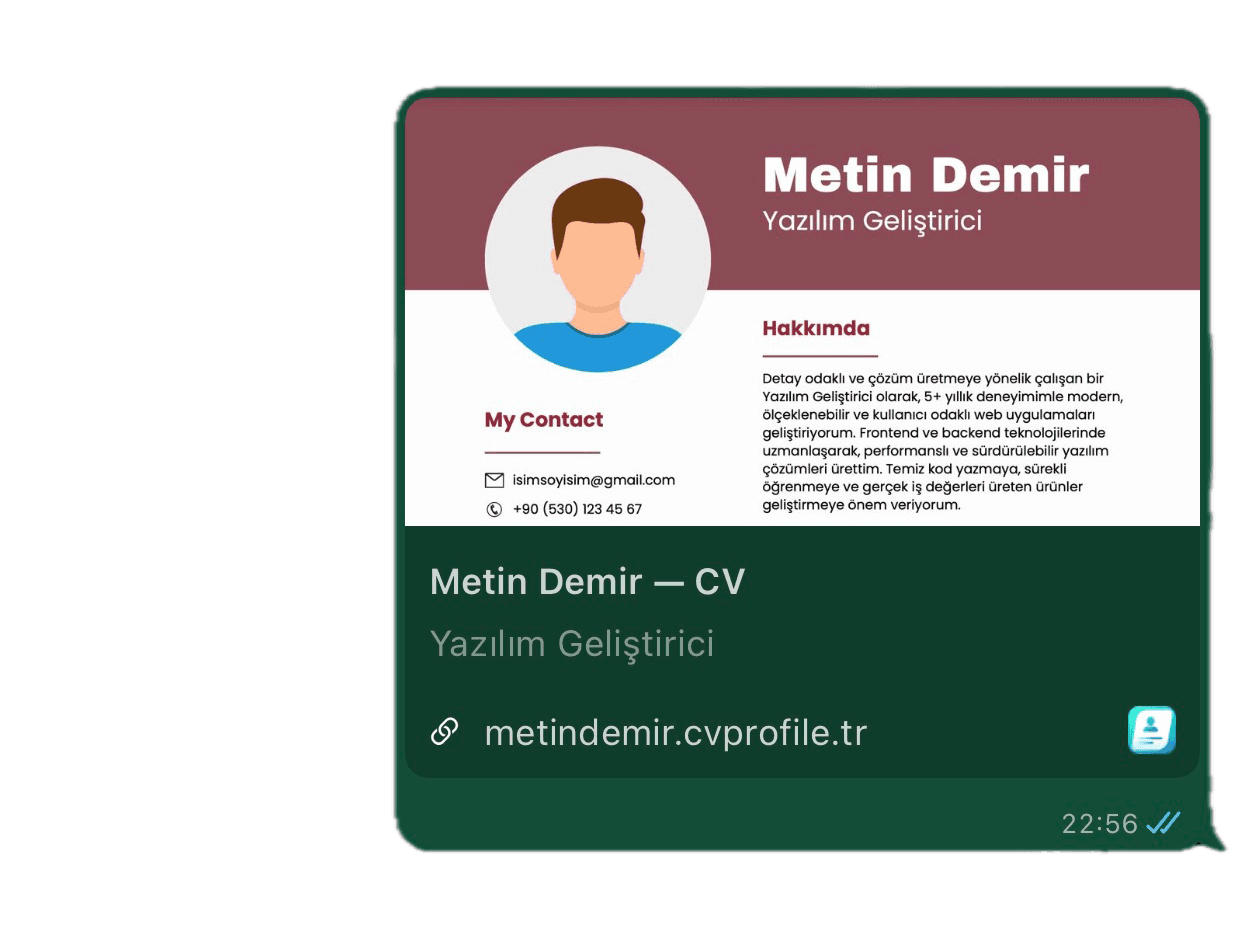
Add your CV link to your profile for easy access.
Live Page For You
Up-to-date CV will be shown when someone clicks your link

Pricing
Simple plans built around a permanent CV link.
Foundation
Essentials every CV link includes
Publish once and keep the same link forever.
All plans include
- Permanent CV link (username.cvprofile.tr)
- CV updates without changing the link
- Mobile-friendly CV page with PDF upload
- Supports multiple pages in a single CV upload
Tiers
Pick the story your link tells
Stay discreet with Free or own the identity with Premium.
Free
$0
Start with a system-assigned firstname-#### link and simple sharing.
- Assigned firstname-#### link
- Up to 5 CV updates per month
- CVProfile badge on the page
- Standard social preview
Best for quick applications and testing the flow.
Premium
$2.5 /mo
Claim your name and remove CVProfile branding.
- Custom username
- Unlimited CV updates
- No CVProfile badge
- Enhanced social preview
Best for active roles and a polished personal brand.
Your CV link never changes after publish.
How to use it?
Remove uncertainty in 5 steps and move forward with one link.
Create your personal link
Sign up and activate your CV link in minutes.
Upload your CV
Add your CV file and publish it on your link.
Share the link anywhere
Use the same link on LinkedIn, email, and applications.
Update your CV anytime
Upload a new version whenever you want without changing the URL.
Recruiters always see the latest version
Everyone who opens your link sees your most current CV.
Frequently Asked Questions
Everything recruiters and candidates usually ask before sharing a CV link.
Quick answers
One link, clear process
Know exactly what happens before sharing: your link stays fixed, and your content stays current.
Does my CV link change after publishing?
No. Your link stays permanent; you only update the content behind it.
Can I update my CV later?
Yes. When you upload a new PDF, the same link always shows the latest version.
Do recruiters need an account?
No. Anyone who clicks your link can view your CV page instantly.
Can recruiters download my CV?
Yes. They can view and download your file directly from your page.
Does it work well on mobile?
Yes. The CV page is mobile-friendly and readable across screen sizes.
What is the difference between Free and Premium?
Free includes a system-assigned username and up to 5 monthly updates. Premium adds a custom username, unlimited updates, and no branding.
Can I choose my CV link name?
Yes. Custom username selection is available on the Premium plan.
Why is the single-link approach important?
You share once, then keep sending the same URL with your latest CV every time.
Next step
Ready to create your CV link?
Create it once, then share it everywhere.
Support
Do you have questions?
Our team is here to help. Email us anytime or use the data requests page.